
How to Register on Stake
Registration takes a couple of minutes. Do it on the real stake.com, add a referral code if you have one, and plan the next steps – verification and account security – right away.
How to create an account
- 1
Click "Register" on the homepage
The button is in the top-right corner of stake.com. Register only on stake.com or an official mirror listed in Stake's Help Center – look-alike domains are a common phishing trick (how to check). - 2
Enter your email, username and password
Your username is public – it shows up in chat and on leaderboards. Instead of email, you can also continue with Google or another listed sign-in option. - 3
Add a referral code if you have one
The Referral Code field is optional. You can also enter a code within 24 hours in Settings → Offers – how the welcome offer works.Show screenshotHide screenshot
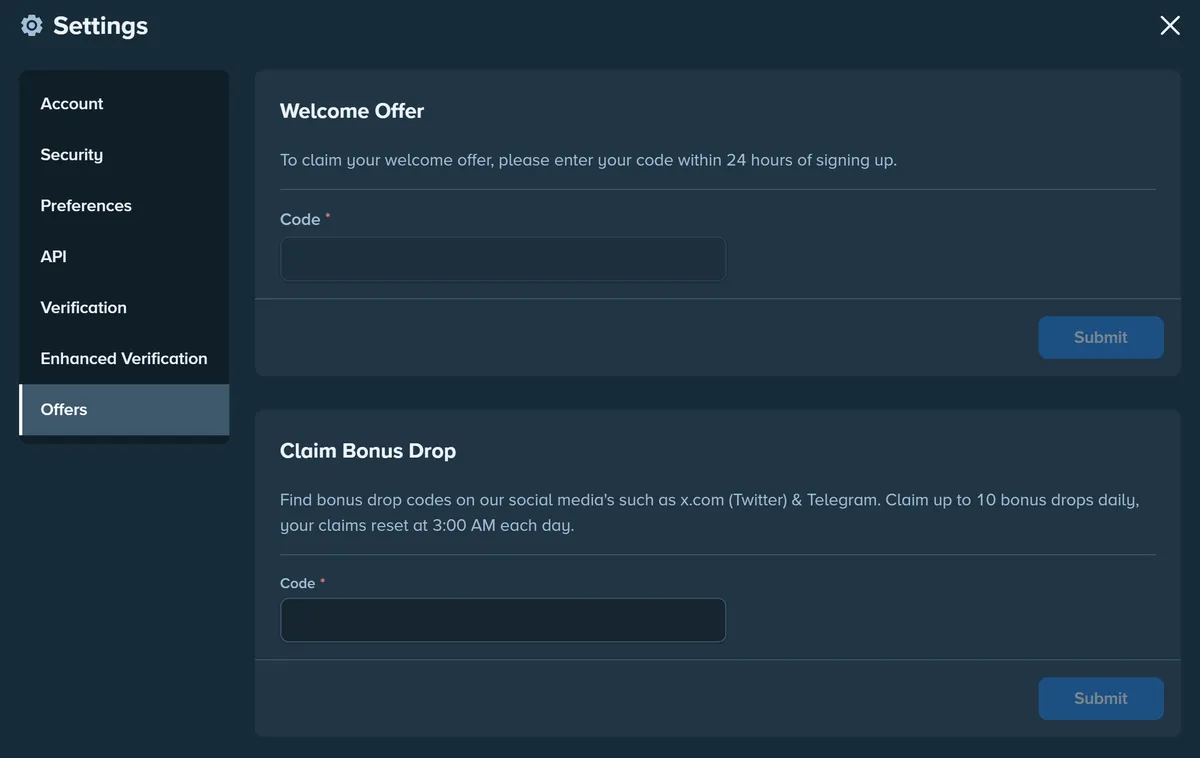
Settings → Offers: the welcome offer code (accepted for 24 hours after sign-up) and Bonus Drop codes. Screenshot taken November 2026. - 4
Confirm you're 18+ and accept the Terms
Stake.com is only available to users 18+ (or older where local law requires it). Your date of birth is entered later, during verification, and must match your ID. - 5
- 6
Your account is ready
Before your first withdrawal – and in some countries earlier – Stake asks you to verify your identity. What to prepare.Show screenshotHide screenshot
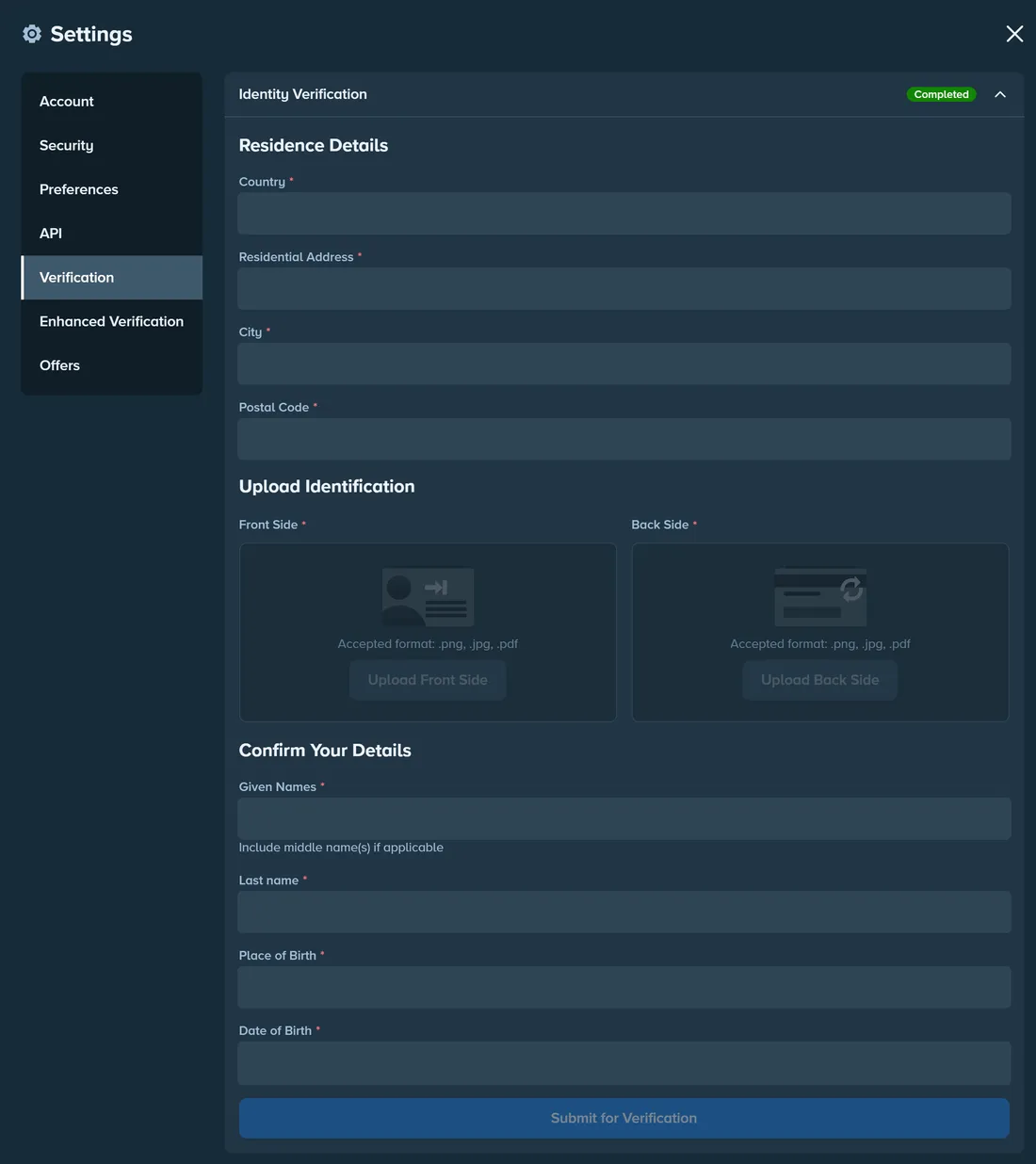
Settings → Verification: residence details, both sides of your ID and personal details. Personal data hidden. Screenshot taken November 2026.
What to do right after registering
Four short steps that save time and trouble later.
Verification (KYC)
Finish Verification before your first withdrawal – it's the most common reason a payout is held.
Account security
Turn on 2FA and passkeys, and keep idle funds in the Vault.
How to deposit
Pick the right coin and network for your first deposit.
Responsible gambling
Set loss, wager or deposit limits before you play.
Related guides
Stake app for Android and iOS
Official iOS apps where available, or a home-screen install on any phone.
Welcome offer
How referral codes work and why you have 24 hours to enter one.
VIP Club & rakeback
Official wager thresholds from Bronze to Obsidian and how 3.5% rakeback works.
Official domains & phishing
How to tell the real Stake from look-alike sites, fake support and fake apps.