
Stake Guides
Step-by-step guides for the key actions on the platform – from installing the app to full account verification, withdrawals and bonuses.
Where to start
New to Stake? Go through these five steps in order – each one links to the guide that covers it in detail.
- 1
Install the app
An official iOS app where available, or a home-screen install on any phone – app guide.Show screenshotHide screenshot
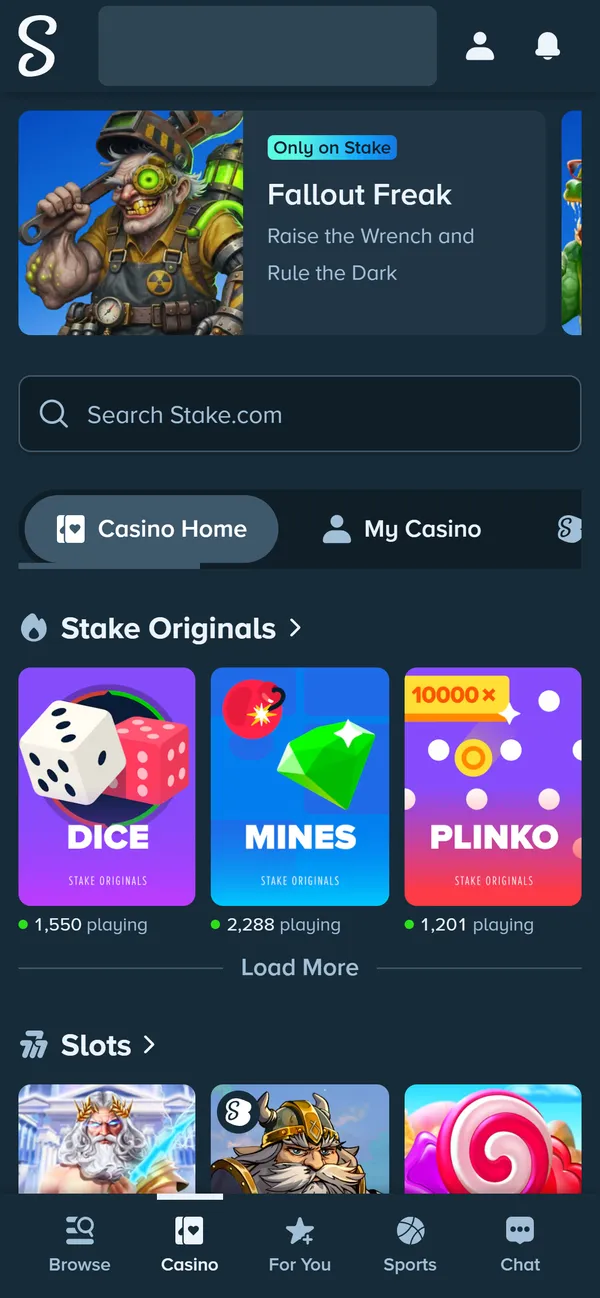
Stake on a 390px phone screen – the full site with bottom navigation. Balance hidden. Screenshot taken November 2026. - 2
Create an account
Email, username and password, or sign up with Google – registration guide. - 3
Add a welcome offer code within 24 hours
A referral code unlocks early rakeback – how the welcome offer works.Show screenshotHide screenshot
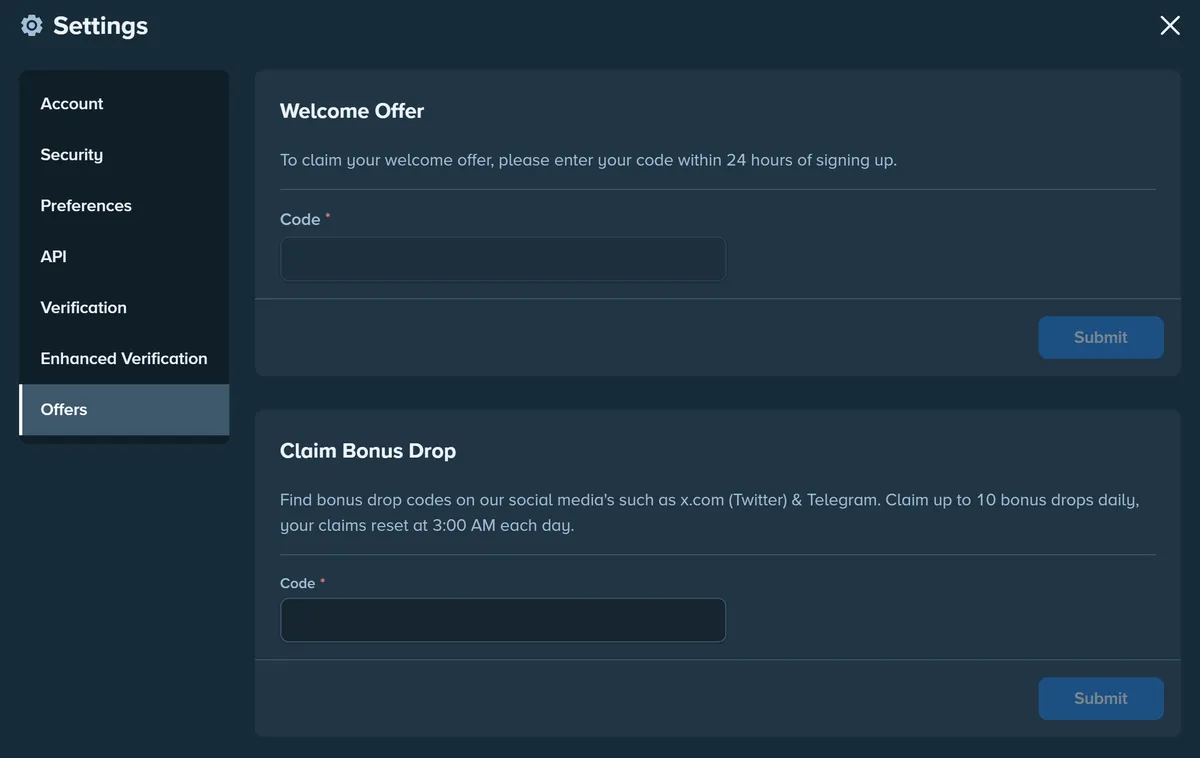
Settings → Offers: the welcome offer code (accepted for 24 hours after sign-up) and Bonus Drop codes. Screenshot taken November 2026. - 4
Verify your identity before the first withdrawal
Prepare an ID and a recent proof of address – how verification works.Show screenshotHide screenshot
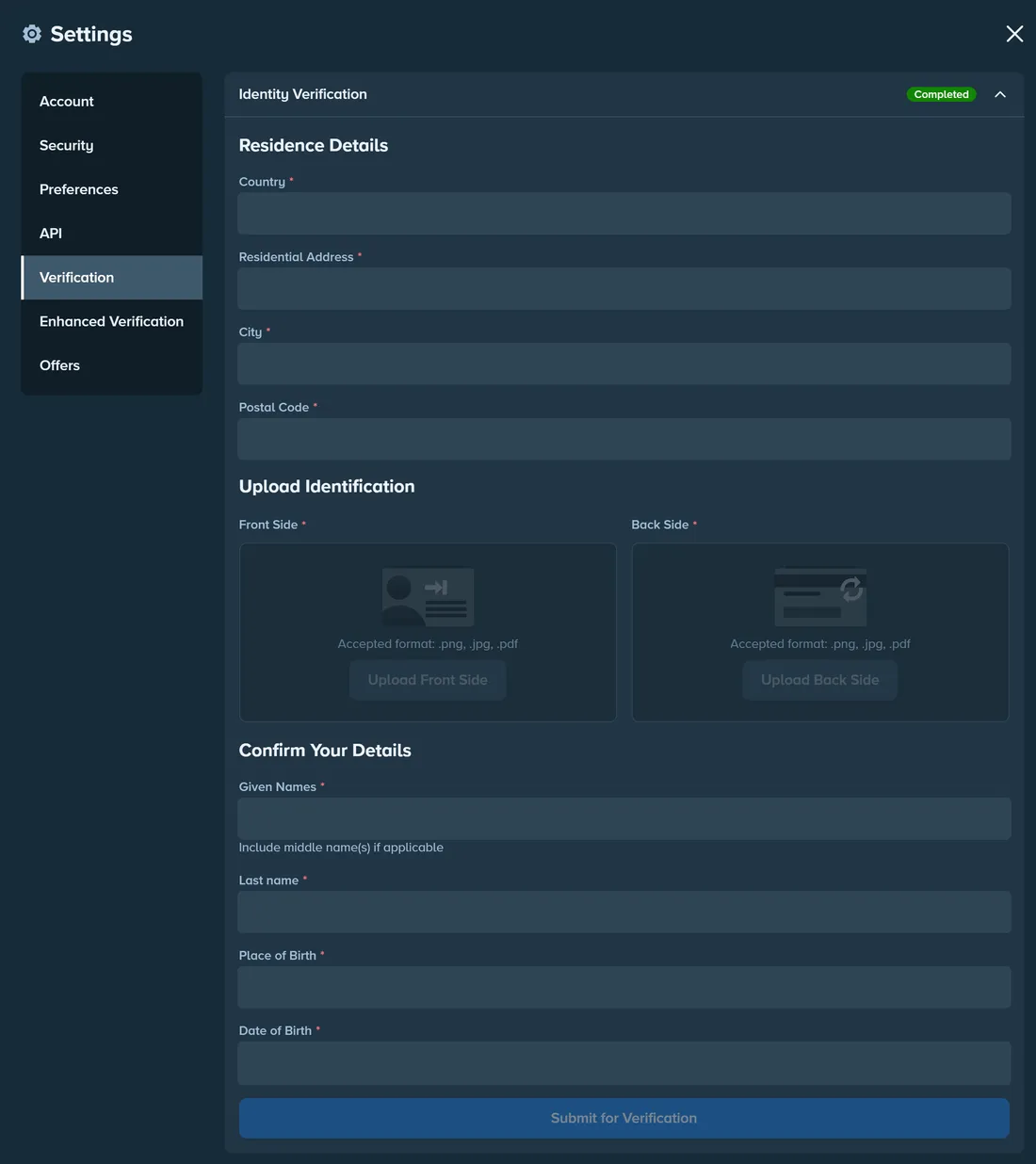
Settings → Verification: residence details, both sides of your ID and personal details. Personal data hidden. Screenshot taken November 2026. - 5
Protect your account and set limits
Turn on 2FA and set loss or deposit limits – responsible gambling.Show screenshotHide screenshot
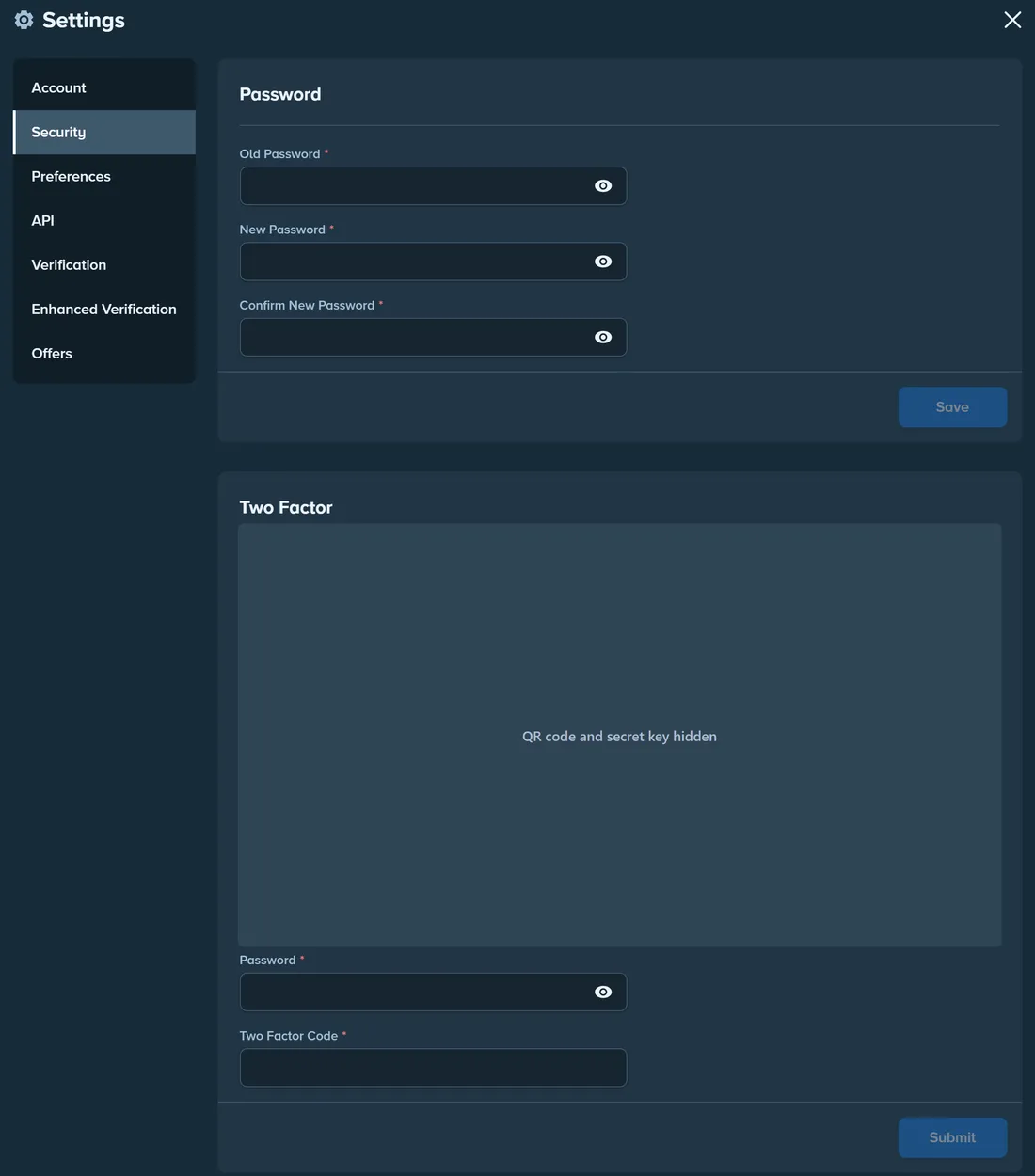
Settings → Security: change your password and set up 2FA. QR code and secret key hidden. Screenshot taken November 2026.
Account
Registration
Create a Stake account in a couple of minutes and add a referral code.
Open guide→Verification (KYC)
What Verification and Enhanced Verification ask for, and how to pass on the first try.
Open guide→Account security
2FA, passkeys, the Vault, sessions and how to spot fake Stake emails.
Open guide→Login problems
Forgotten password, lost 2FA or email access, and a site that won't load.
Open guide→Official domains & phishing
How to tell the real Stake from look-alike sites, fake support and fake apps.
Open guide→Stake app for Android and iOS
Official iOS apps where available, or a home-screen install on any phone.
Open guide→Deposits & withdrawals
Bonuses & games
Bonuses & VIP Club
Welcome offer, rakeback, weekly and monthly bonuses, reloads and more.
Open guide→VIP Club & rakeback
Official wager thresholds from Bronze to Obsidian and how 3.5% rakeback works.
Open guide→Stake Originals
How Dice, Limbo, Crash, Plinko and Mines work, their house edge and how to verify a round.
Open guide→Provably Fair explained
How the server seed, client seed and nonce let you verify every round.
Open guide→Stake Sportsbook
Sports and esports markets, bet types, cash out, odds formats and VIP progress.
Open guide→Stake Poker
Hold'em and Omaha cash games, tournaments, fast-fold tables and rakeback.
Open guide→About Stake
Is Stake legal?
Stake's Curaçao licence, its local licences and markets it has left.
Open guide→Restricted countries
The full list of jurisdictions where Stake.com can't be used – and why.
Open guide→History of Stake
From Primedice in 2013 to Formula 1, esports and local licences.
Open guide→Kick and Stake
How the streaming platform is connected to the casino.
Open guide→Stake glossary
Rakeback, wagering, house edge, nonce, Stake Cash and 40+ other terms.
Open guide→Stake.US
Stake.US for US players
The sweepstakes casino: Gold Coins, Stake Cash and state availability.
Open guide→Stake.com vs Stake.US
Licence, currencies, payouts, games and who can use each site.
Open guide→Gold Coins & Stake Cash
The two Stake.US currencies, free ways to get SC and the 3x playthrough.
Open guide→Stake.US redemption
How to redeem Stake Cash for crypto prizes and why a request can stall.
Open guide→Stake.US states
Where Stake.US is available, where it isn't, and the 2026 wave of bans.
Open guide→